HTML & CSS Notes
I've been tinkering with the blog again. Honestly, I can't help it.
The biggest change is the header. As you scroll down, it collapses into a floating pill — clean, minimal, just "Toby Geeks Out!" sitting at the top of the screen. The inspiration came from glass.photo, which has one of the slickest pill header treatments I've seen. I loved it so much I had to bring that energy here. It's also very much iOS-inspired — that Liquid Glass feel Apple has been leaning into lately felt right for what I was going for.
Back in February I installed the Newsletters plugin for Micro.blog — @manton’s own — and then completely forgot about it. Today I stumbled across it again and finally dug in. It creates a dedicated /newsletters/ index page listing all your past issues. Neat! Except it came with absolutely zero styling. Bare bones.
So I styled it to match the rest of the blog. Took some back and forth, but it came together nicely. There’s even pagination on the single newsletter view. And when you click one of the newsletter posts, it shows a preview of exactly what was sent to subscribers.
I've been writing blog posts on and off for over 20 years. I survived the Blogger era, bounced around platforms, and eventually landed on Micro.blog — where I've been happily tinkering ever since. I dabble in HTML and CSS for fun, I'm a perfectionist about how my posts look, and I have a long history of going down rabbit holes trying to get things exactly right. If you've read my post about wrestling with Micro.blog, you already know how this goes.
Been tinkering with two apps and they’re both coming together nicely. Perch is my custom Micro.blog client (books from my bookshelf, movies and TV from Trakt). Draft Studio is for my long-form writing here and OULDHH, sending drafts straight to Micro.blog and Wix, no copy-paste. More on Perch soon.
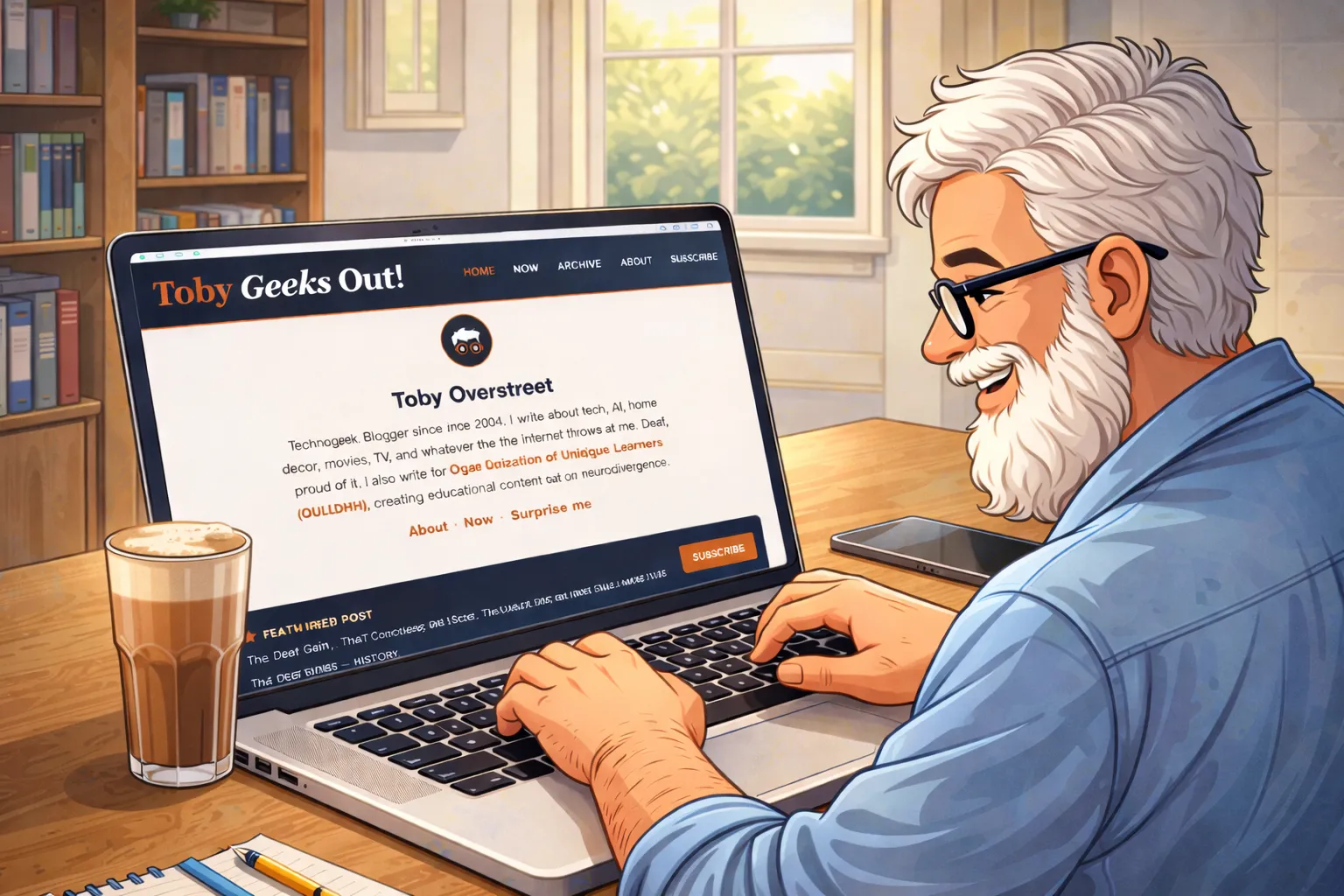
The past few weeks have been less about writing posts and more about building the thing that holds them. If you’ve visited the blog recently and noticed things looking a little sharper, a little more intentional — that’s not your imagination. I’ve been deep in the code, and I want to tell you what that actually looked like.
Finally upgraded to Hugo 0.158! Hit a small snag with an outdated plugin using a removed function, but updating the plugin to the latest version cleared things right up. Theme is clean, builds are faster. Upgrade approved. ✅
Decided to build my own Micro.blog theme. A couple of days of tinkering in, still working through a few minor issues, but progress is being made. More tweaks coming soon.
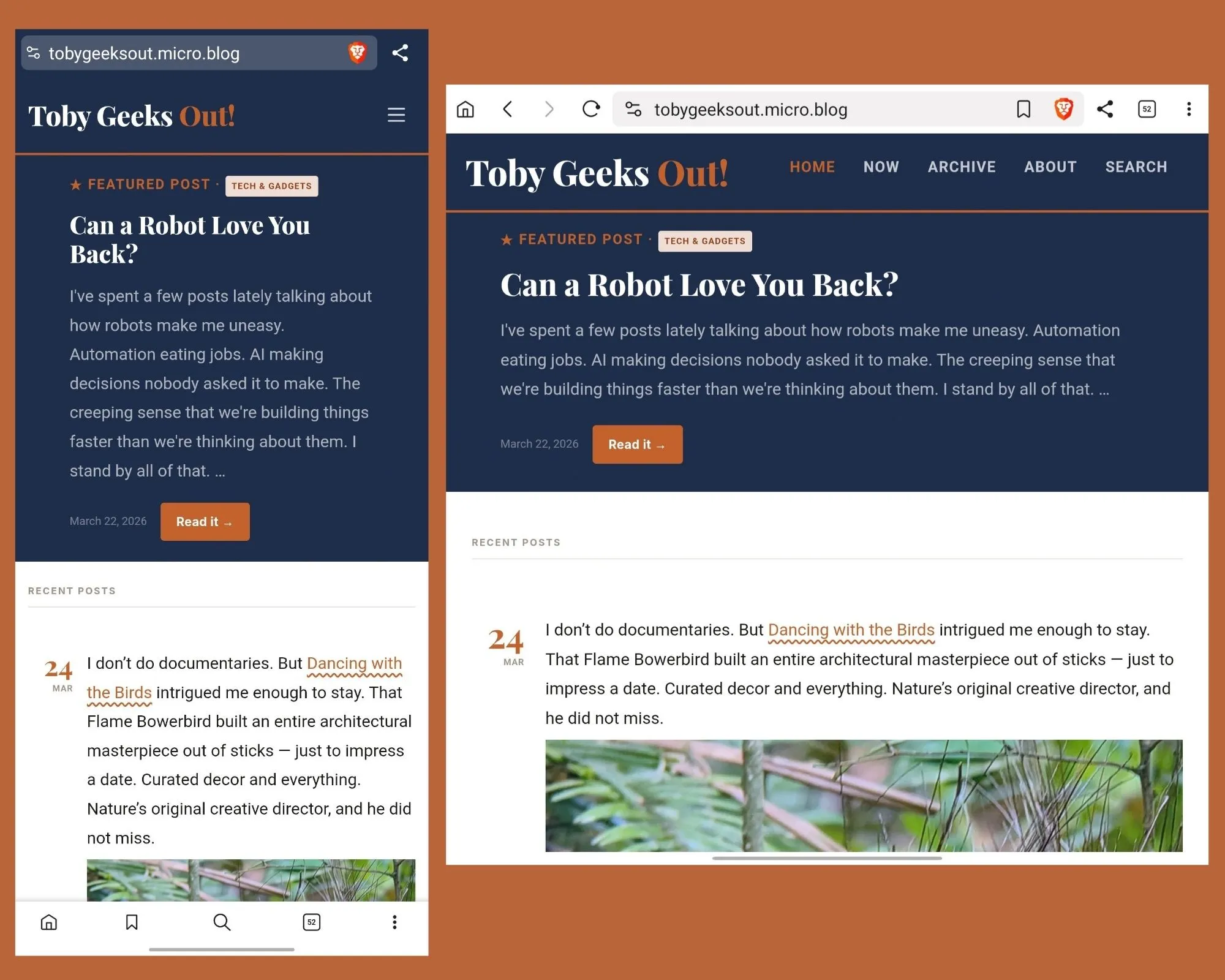
So I spent my Sunday doing what normal people probably don’t do—obsessing over blog spacing. You know how it is. You notice one little thing that’s bugging you, and next thing you know, three hours have disappeared, and you’re still messing around with CSS.
It started with my blockquotes. I’ve got this dropcap thing going on for the first letter of posts, which I think looks pretty cool. But when a blockquote showed up right after that fancy first letter? Huge, awkward gap of white space. Just looked weird.
I’ve been in a full-on wrestling match with my Micro.blog theme lately. Had this specific vision: truncated posts on the homepage with a “Continue Reading” link, a nice drop cap at the start of long-form posts, and images that didn’t feel like they were yelling over the text. Simple, right?
Started with trying to add the “Continue Reading” link myself but it didn’t work. Was about to send a support ticket, then thought “nah, I want to figure this out.” Asked Perplexity for help instead, and honestly? Huge help figuring out what I’d done wrong.