

I've been writing blog posts on and off for over 20 years. I survived the Blogger era, bounced around platforms, and eventually landed on Micro.blog — where I've been happily tinkering ever since. I dabble in HTML and CSS for fun, I'm a perfectionist about how my posts look, and I have a long history of going down rabbit holes trying to get things exactly right. If you've read my post about wrestling with Micro.blog, you already know how this goes.
So when things kept getting in the way of how I wanted to work — it was only a matter of time before I did something about it. I'm a builder at heart. I like solving my own problems. And honestly? Building something from scratch is just fun.
That's how Perch was born.
Micro.blog is a great platform for writing. It actually does a solid job with books and movies, too. But I wanted to take it further — richer visual cards, my own design, my own rating. The problem is that building a custom HTML card every single time is exhausting. Find the poster, copy the synopsis, manually assemble the star rating, and put it all together from a saved template. Every single post.
Same thing with figure and figcaption — a format I like, rebuilt from scratch every time. The writing part takes minutes. The HTML assembly takes forever. I wanted to spend my time writing, not repeating the same HTML over and over.
And the composer isn't exactly mobile-friendly either. It gets the job done, but it never felt built for the way I actually work.
Blogging is about writing. Plain and simple. And honestly, plain text does the job just fine — nobody needs custom HTML to tell a good story. But for me, blogging is also a hobby, and part of the fun is getting creative with how a post looks. Micro.blog gives me the freedom to write in HTML and Markdown right in the composer — and I intend to use every bit of that. I enjoy experimenting with layouts, making things more visual and enjoyable to read. It's not about impressing anyone. It's just fun. Why not use it?
But there's a difference between creative HTML work and repeatedly writing the same HTML, especially on mobile. That part stops being fun fast.
There are some great apps in the Micro.blog ecosystem. Epilogues are lovely in books and movies. Micro.social is a solid native client. Drafts is a fantastic writing app — I still use it on the computer for long reads. Other cross-platform writing apps exist, but most charge per platform, which gets expensive fast. I use Notion too, but Notion can't publish directly to Micro.blog.
I saw good ideas across all of them and took notes. As the old saying goes, great artists steal. I just wanted to take the best of what I saw and build something that works the way I do, on every device I use.
So I built Perch.
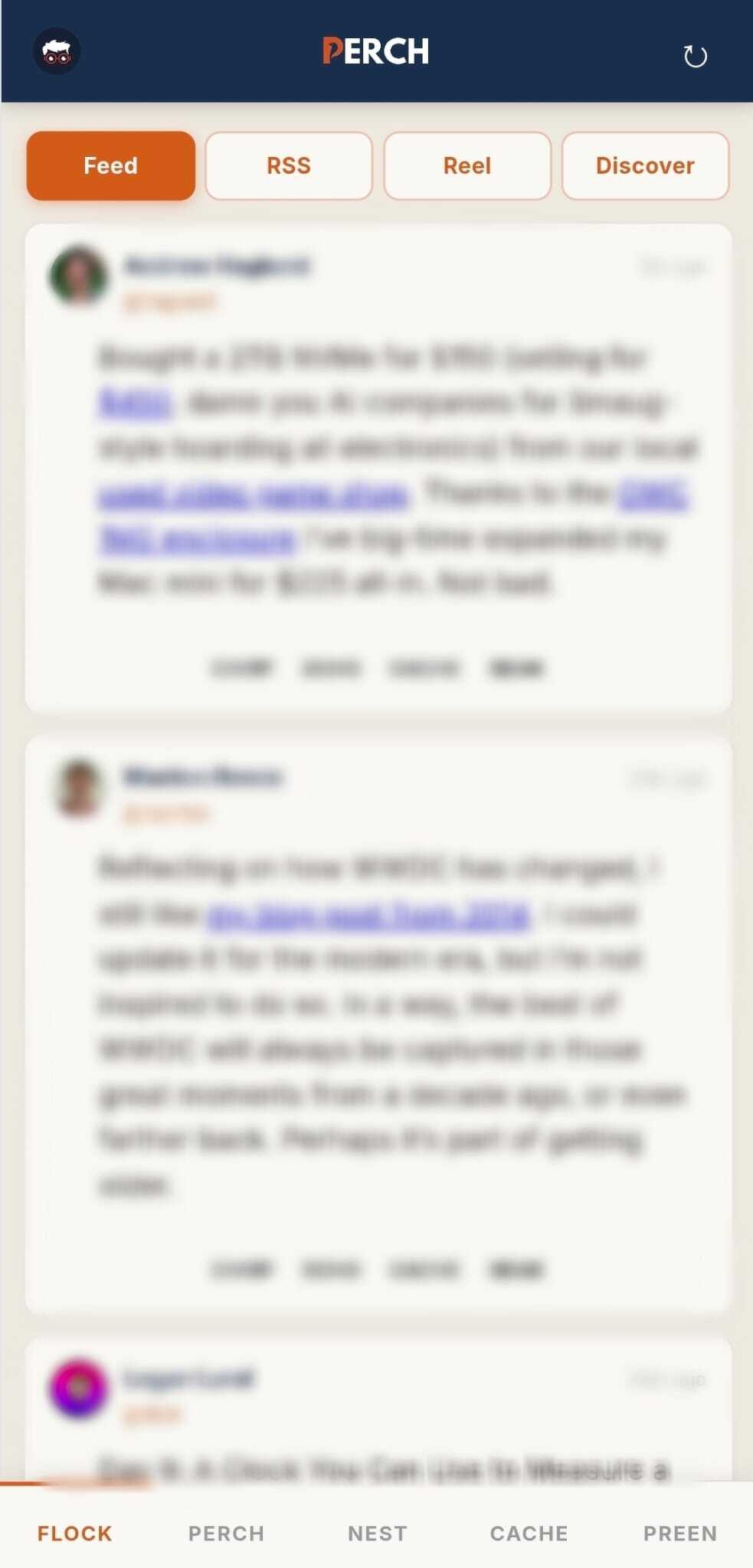
Perch is a Vite + React PWA hosted on Netlify. It publishes to Micro.blog via Micropub, with Netlify functions handling title fetching and API proxy calls. APIs used: Trakt and TMDB for movies and TV, Google Books with Open Library fallback for books, and Merriam-Webster with Free Dictionary fallback for definitions.
The name started as Porch — sitting on the porch, watching the world go by, writing whatever's on my mind. I added an E, and it became something with a little more character. Perch. It felt right because I see birds on my porch every day, so the bird theme was a natural fit. The whole app leaned into that: bird-themed throughout, color palette pulled straight from this blog's terracotta and navy.
I started building it a couple of months ago, working across many sessions with Claude and some help from Gemini along the way. I've been using AI tools for over a year and a half now, and watching them get better and better has been amazing. I had zero experience building an app before this. But AI helped me build exactly what I had in mind, the way I wanted it. I've learned a lot, and I'm grateful for that. Being a perfectionist probably didn't make it easier — but it made Perch better.
The idea was simple at first: one composer with everything in one window. The toolbar lets me write in either Markdown or HTML — I switch between them depending on what I'm building. The composer also knows when a post needs a title — it prompts automatically for longer posts so I don't have to think about it.
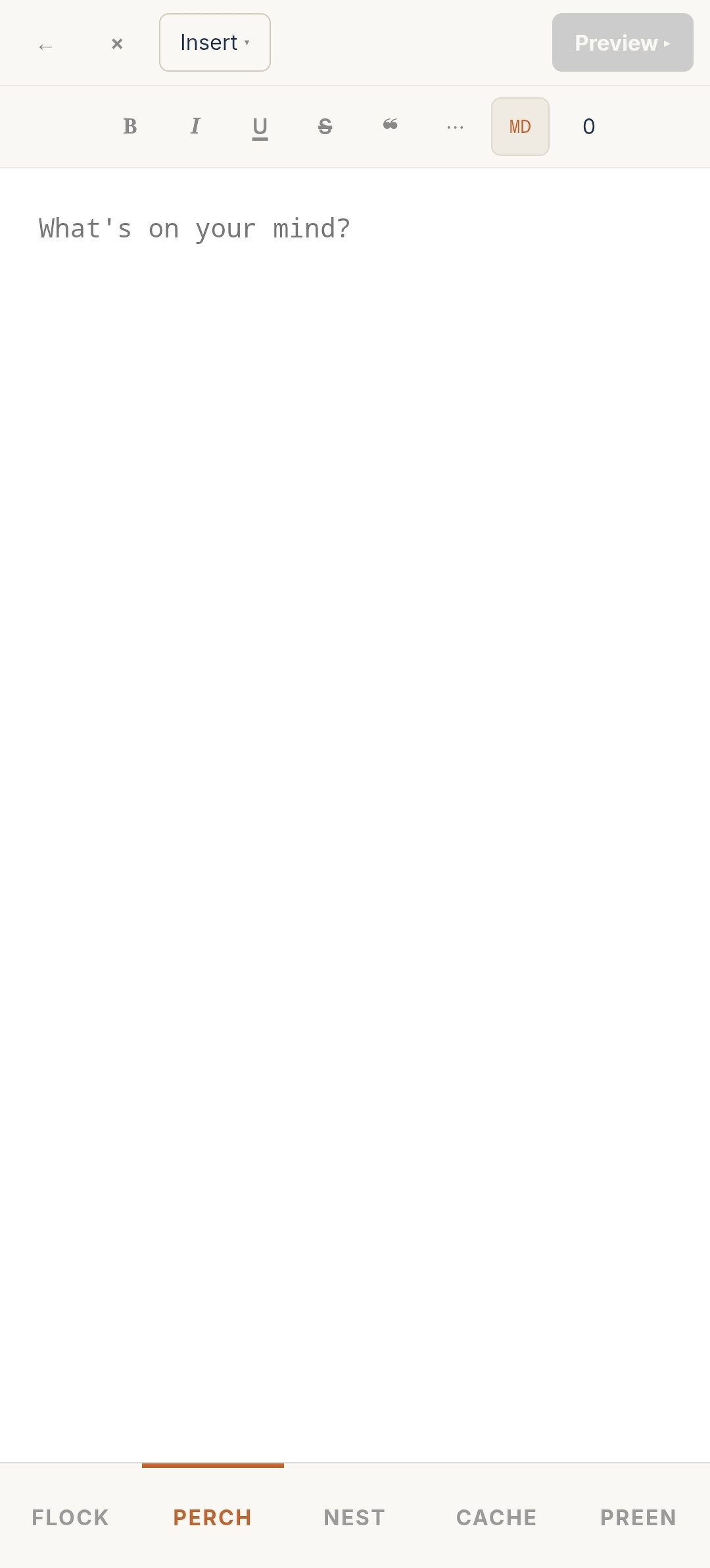
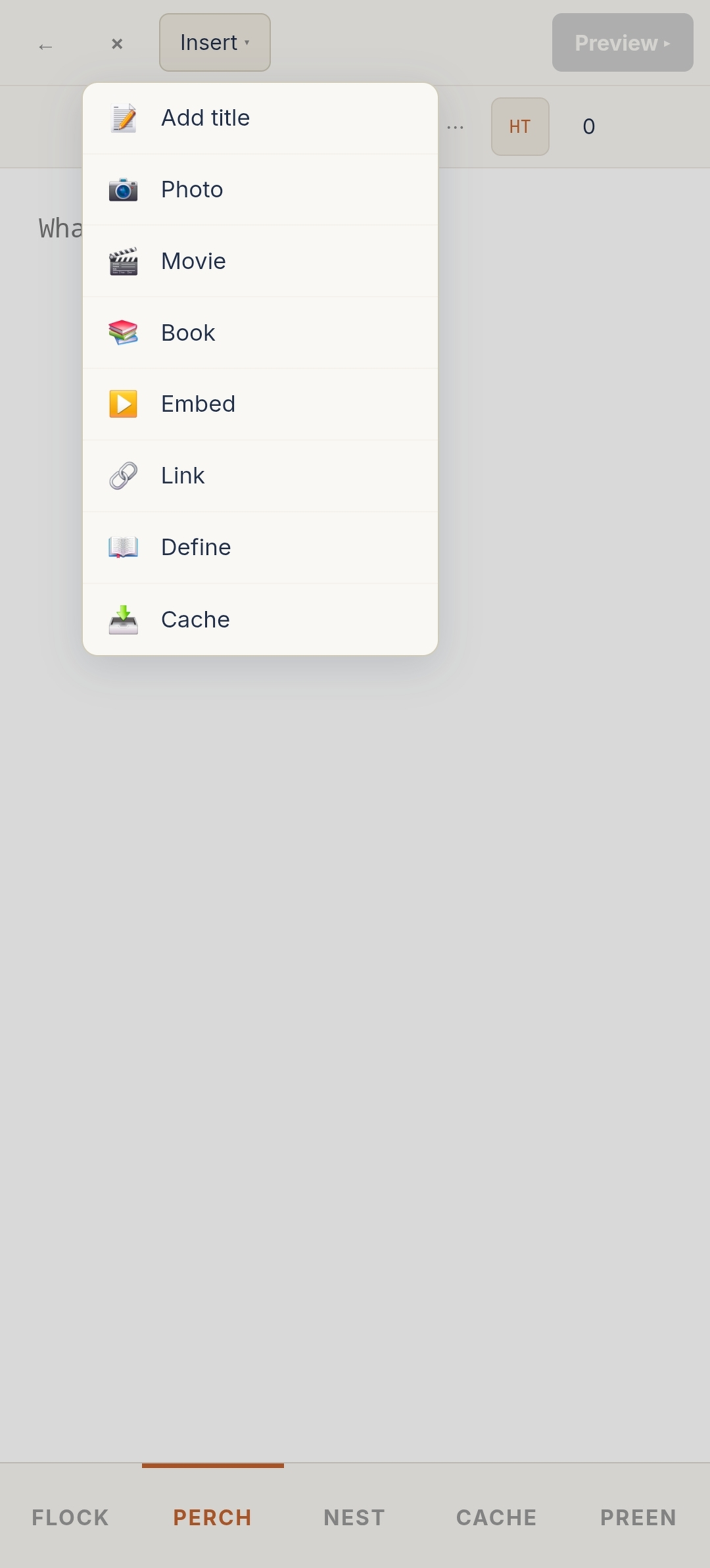
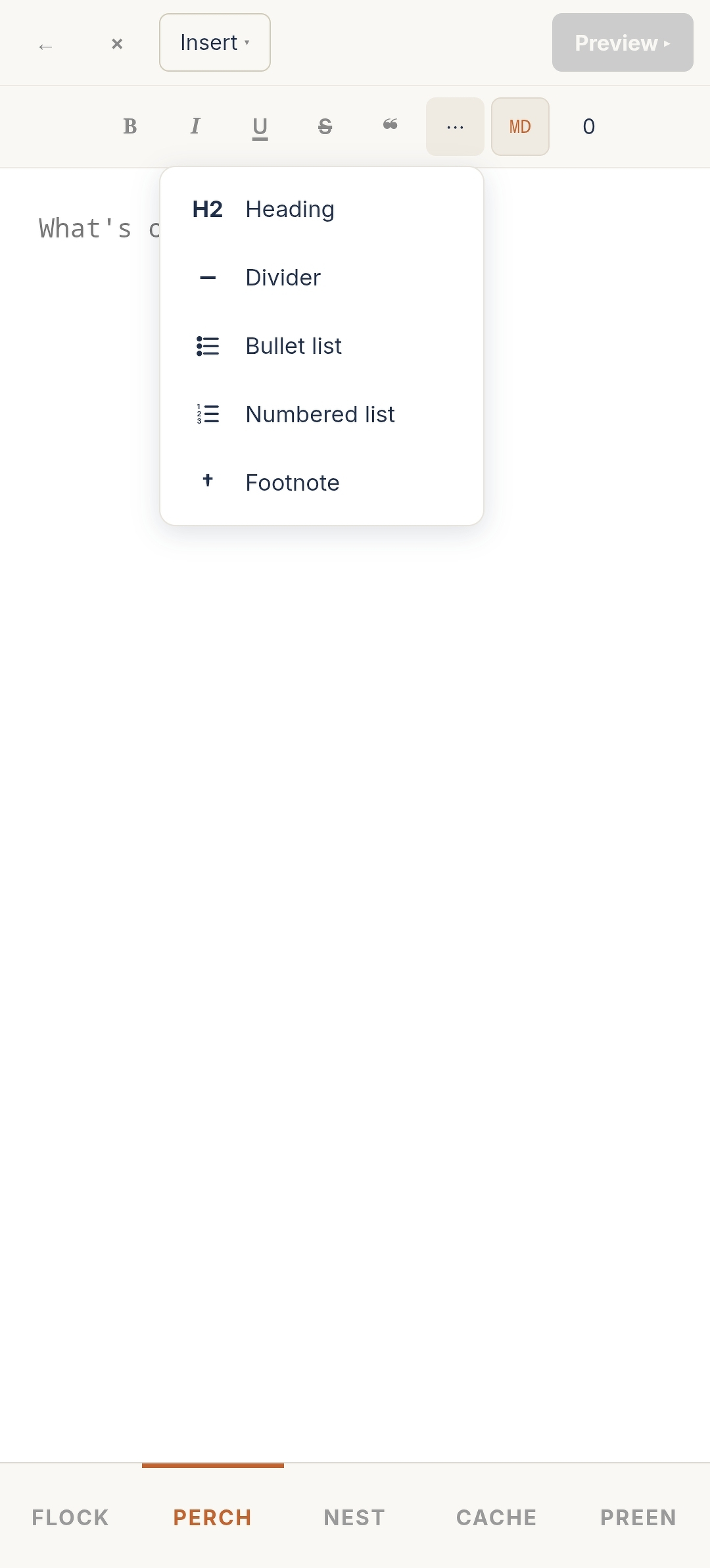
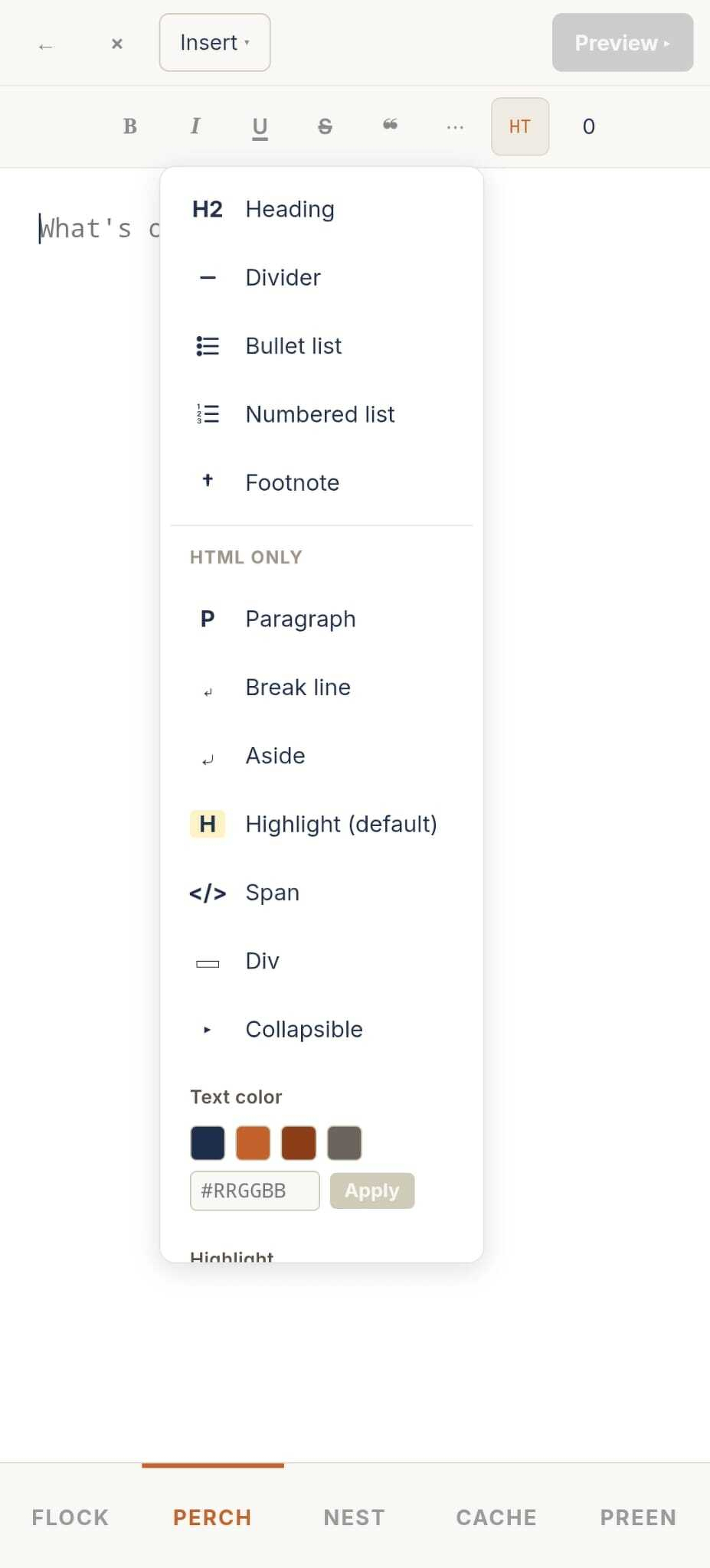
Here's what I can insert directly from the composer:
One more thing I'm particularly proud of — the composer shows a live preview of exactly how the post will look on my blog, rendered with my own theme CSS. Not a generic preview. My actual design.
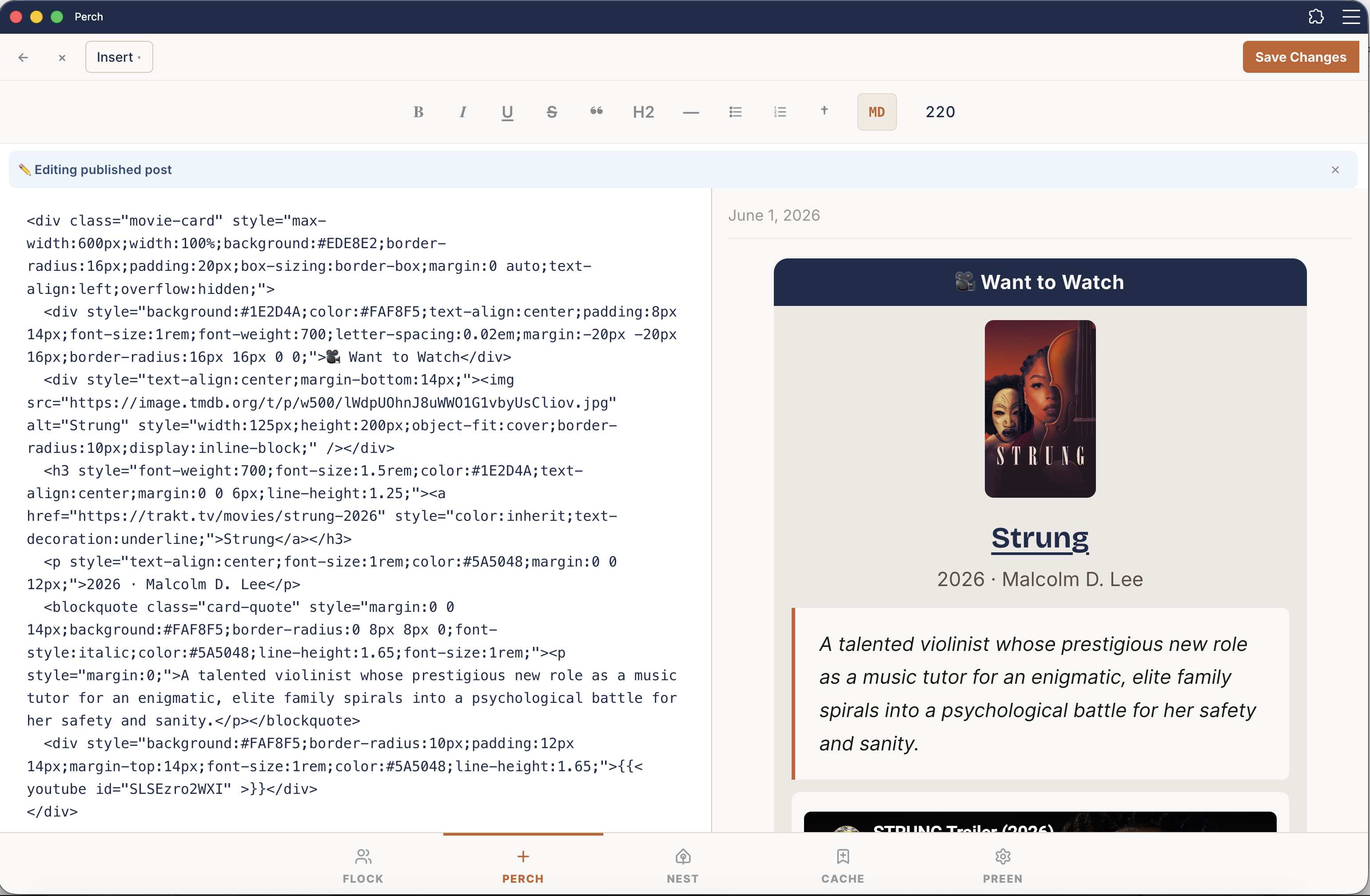
I search for a movie or TV show and Perch pulls the info from Trakt and grabs the poster from TMDB — then builds the card HTML automatically. Same for books via Google Books. When I've finished watching or reading, I add my star rating, and that's it. No more hunting for posters, copying synopses, or assembling HTML by hand.
Come across a new word while writing? I drop in a definition card instead of writing it plain. Paste a YouTube or Instagram link, and Perch generates the shortcode and inserts it automatically.
Micro.blog has a reblog embed I can copy into the composer, but I wanted to skip that step entirely. Hit Echo — Perch's name for reblogging — and the composer opens already formatted with the blockquote in place, ready for me to add my own comment after it. It's still early, and I plan to improve it over time.
And if I want a post with a movie card, a book card, and a link all at once? That doesn't even exist as a concept in Micro.blog. In Perch, it's just Tuesday.
Then I started building and realized I could do more. If I'm already connecting to Micro.blog's API, I can pull my timeline too. And my bookmarks. And my drafts — saved in Micro.blog, pulled into Perch whenever I'm ready to finish and publish. Perch went from being a smarter composer to a full client, built around how I actually use the platform.
Every word in the app was picked on purpose. Here's how it breaks down:
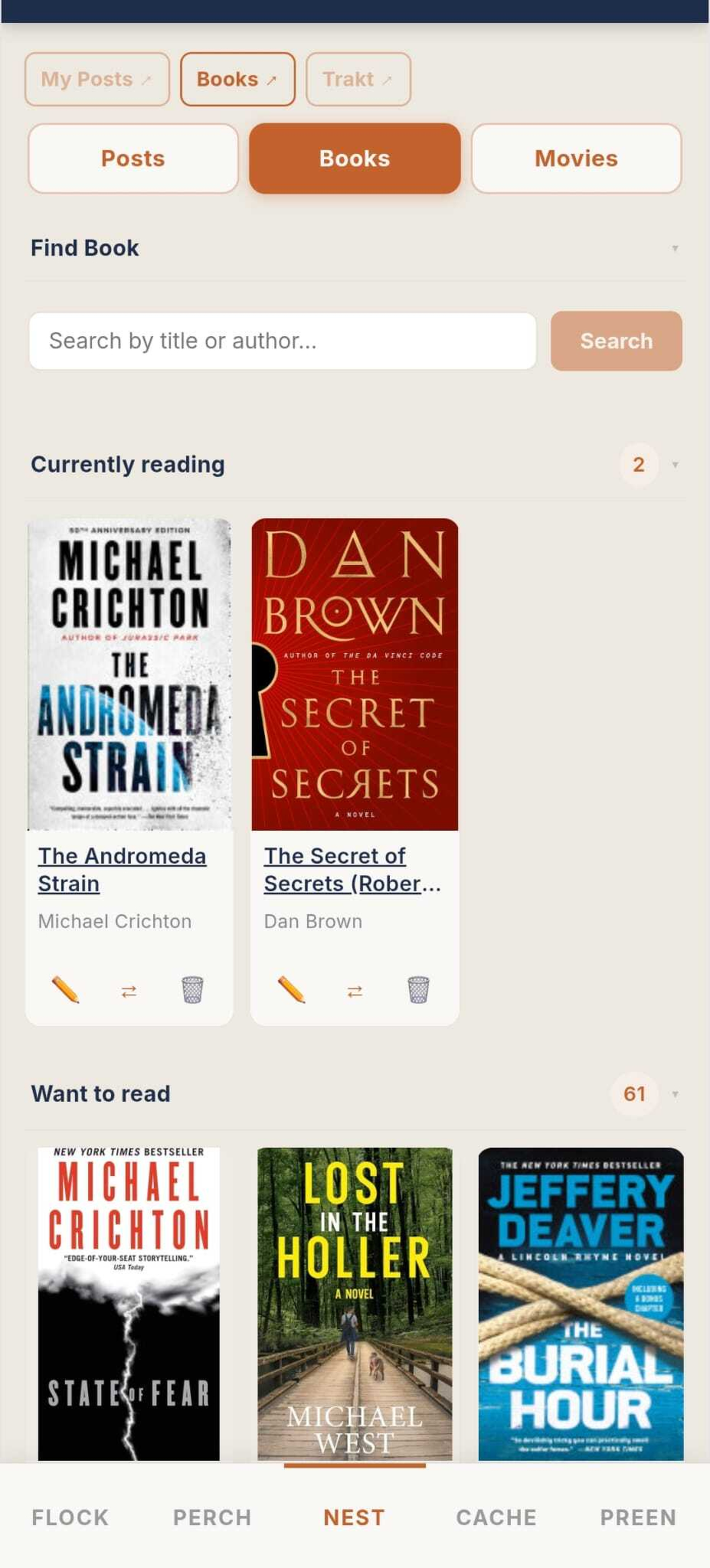
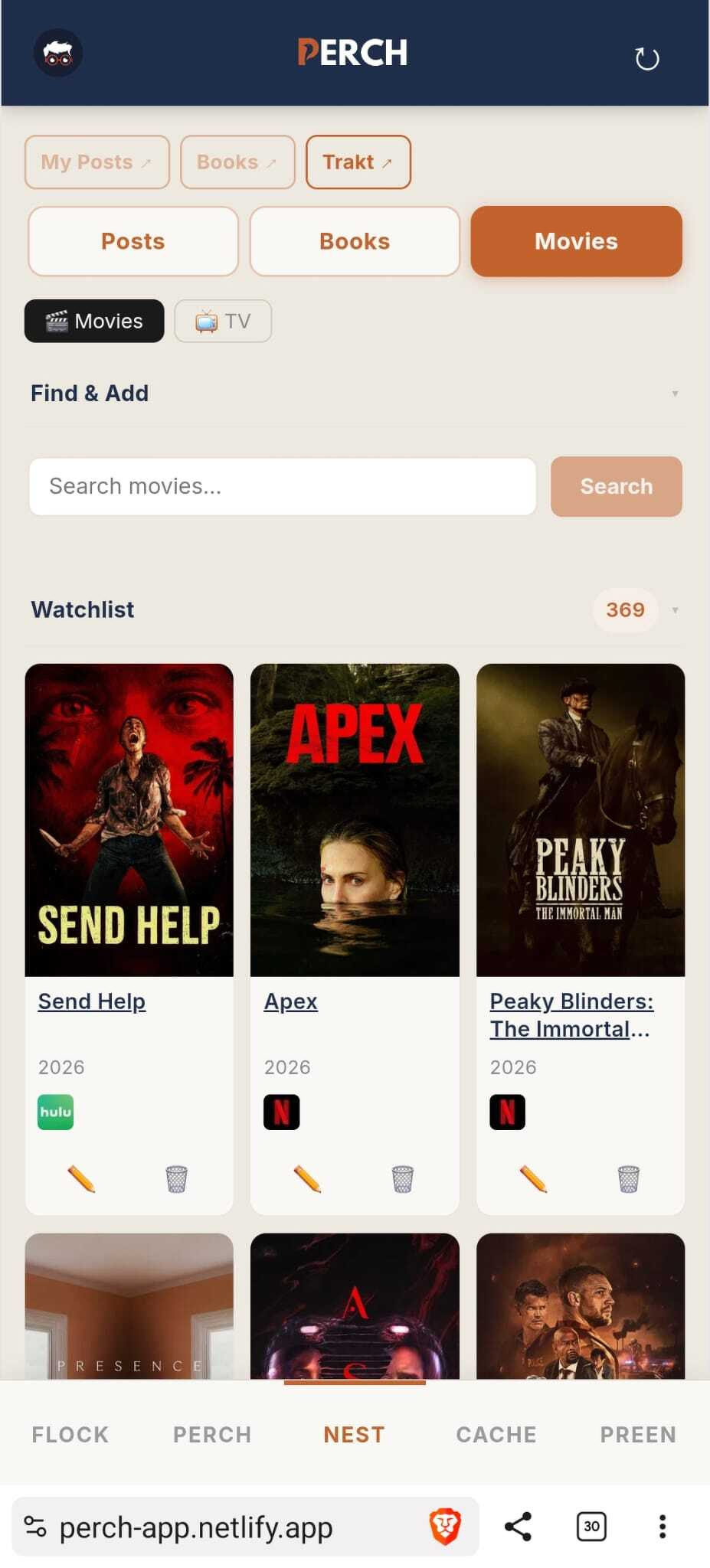
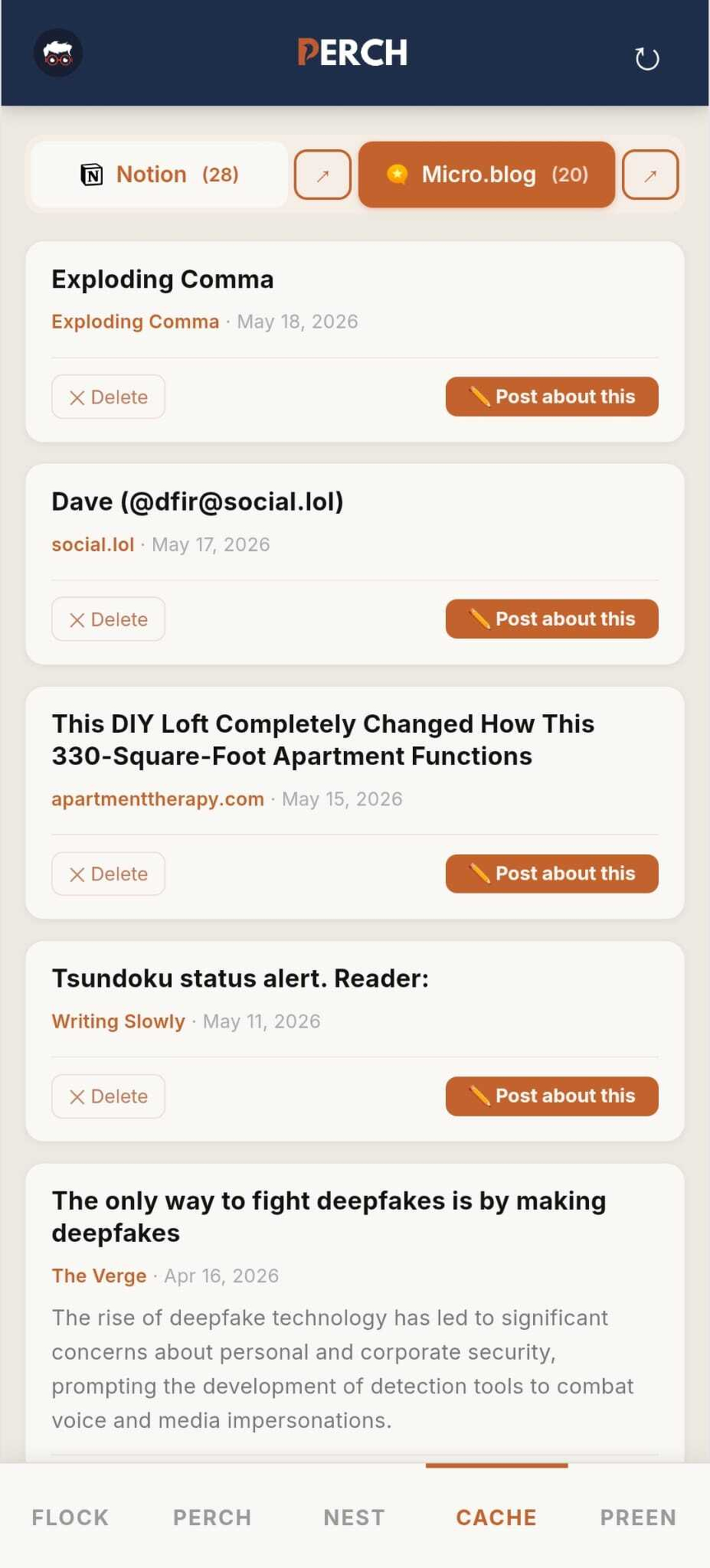
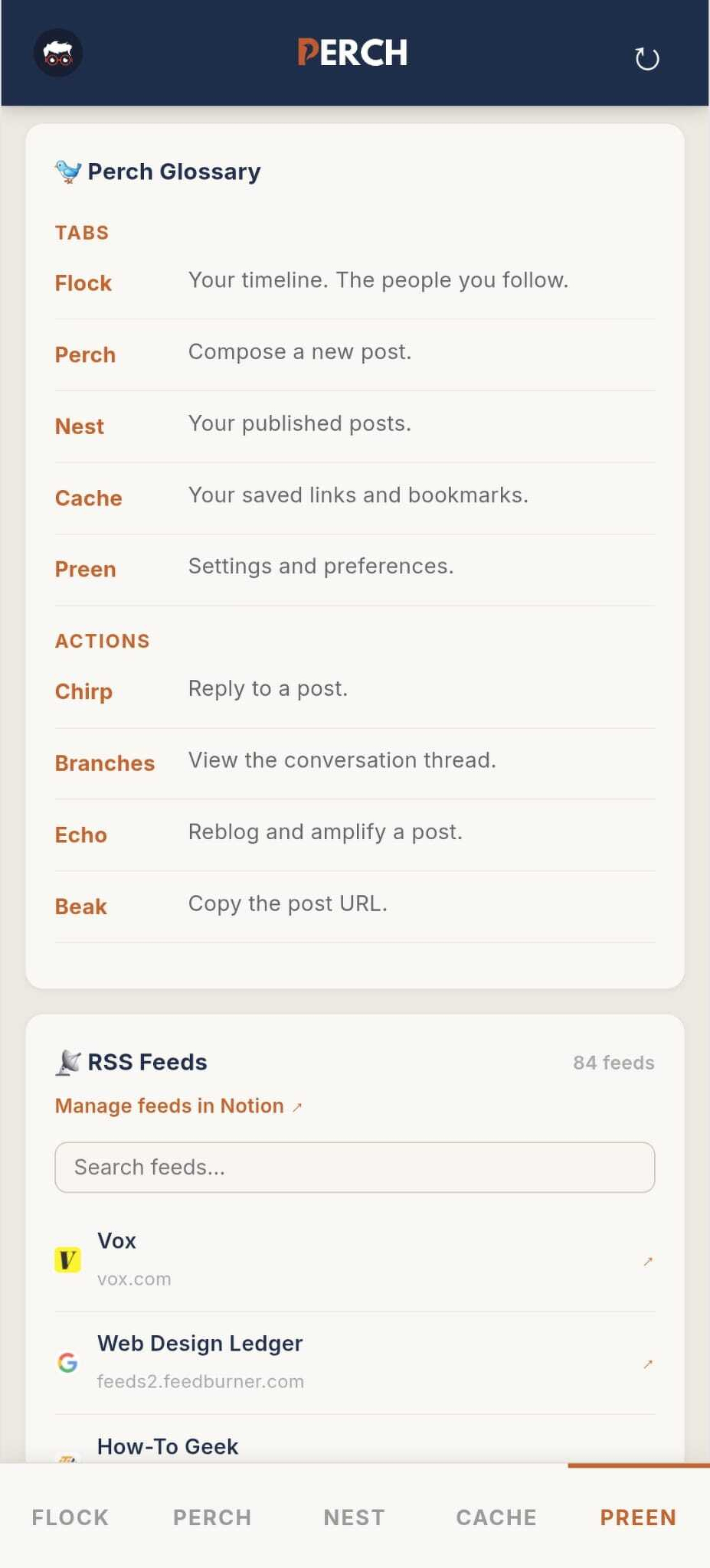
One thing worth explaining about Flock is the thread view. Micro.blog's conversation view was driving me nuts. When I see a reply I scroll up to read the whole conversation for context — then I hit another reply to the same thread and have to read it all over again. Redundant and annoying. So I built a proper thread view in Perch. It sorts everything into one thread — original post at the top, replies in order below it. It takes a moment to load but that's a fair trade. It won't be perfect but it's a lot better than reading the same conversation twice.
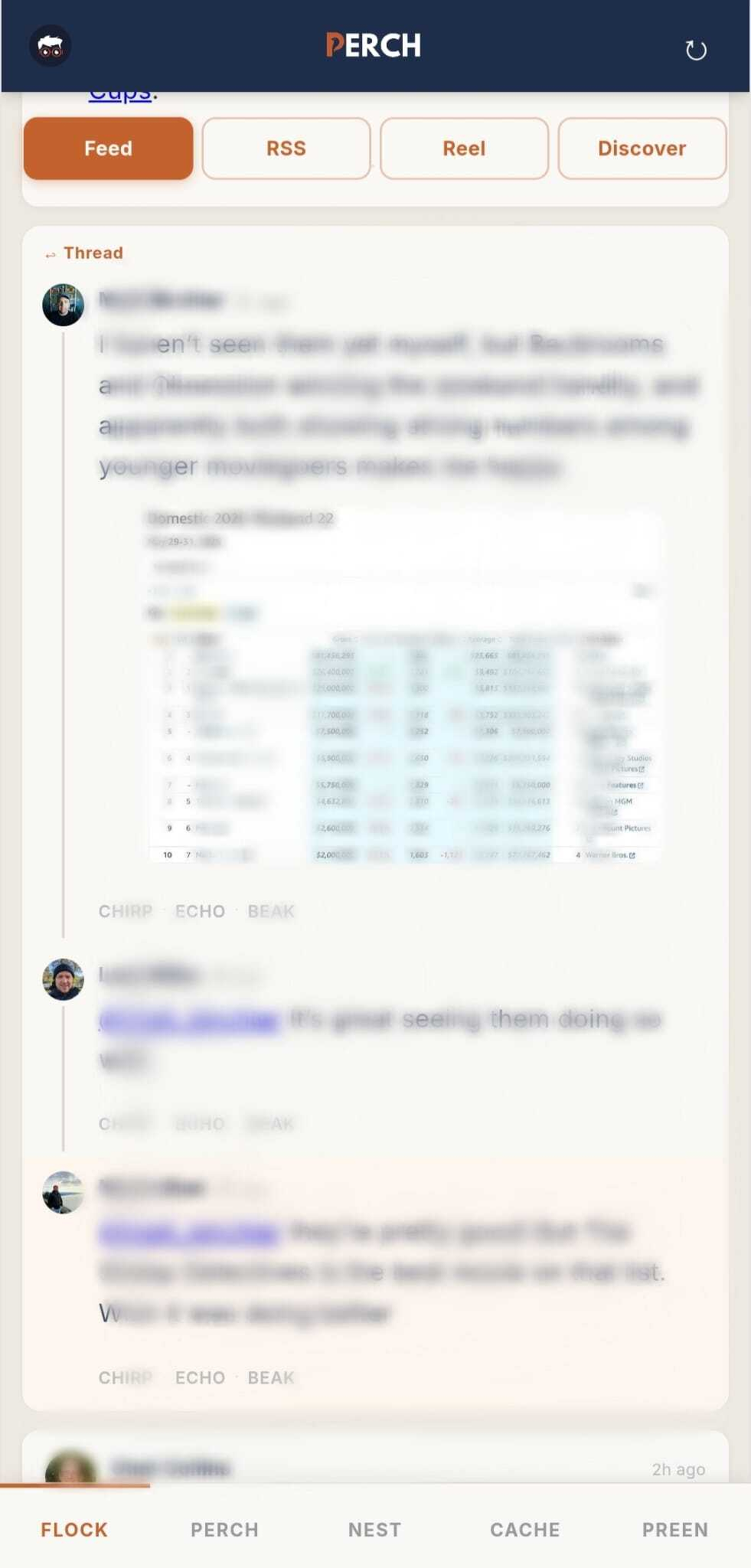
And the actions follow the same language:
Nothing is random — it all fits together.
I'm still building. Life has been a bit chaotic lately — I'm a caregiver for my aging parents and a close friend who had a stroke, cooking dinner every night, and juggling a lot of doctor visits. Progress has been slower than I'd like. That's also why I haven't been writing long-form posts lately — just micros and micro quotes. When Perch is in a solid place, I'm hoping to get back to writing long-form again this summer.
There are a few things I want to add down the road. A translate button for non-English posts in the timeline. Link preview cards so URLs in the feed show up as rich previews. Micro.blog Notes as a panel in Cache. And a tinted callout box in the composer for when I want to highlight something without it being a full blockquote. Nothing urgent — just things I know I'll want eventually.
That's the whole point of building something yourself — nobody else is going to build exactly what you need, because nobody else works exactly the way you do. This isn't a critique of Micro.blog or any of those apps. It's just me making my life easier in the way that makes sense for me. When I want something new in Perch, I go build it. No waiting, no workarounds. Just the way I like it.
This is also the first post I've written using Draft Studio — a writing tool I built for this blog. More on that soon.